Augmented Reality Sky Mode: Holding Up Your Phone to Find the ISS
AR sky mode in Launchcast aligns satellite tracking with your phone's camera so you can literally see where to look. Here is the technology that makes it work.
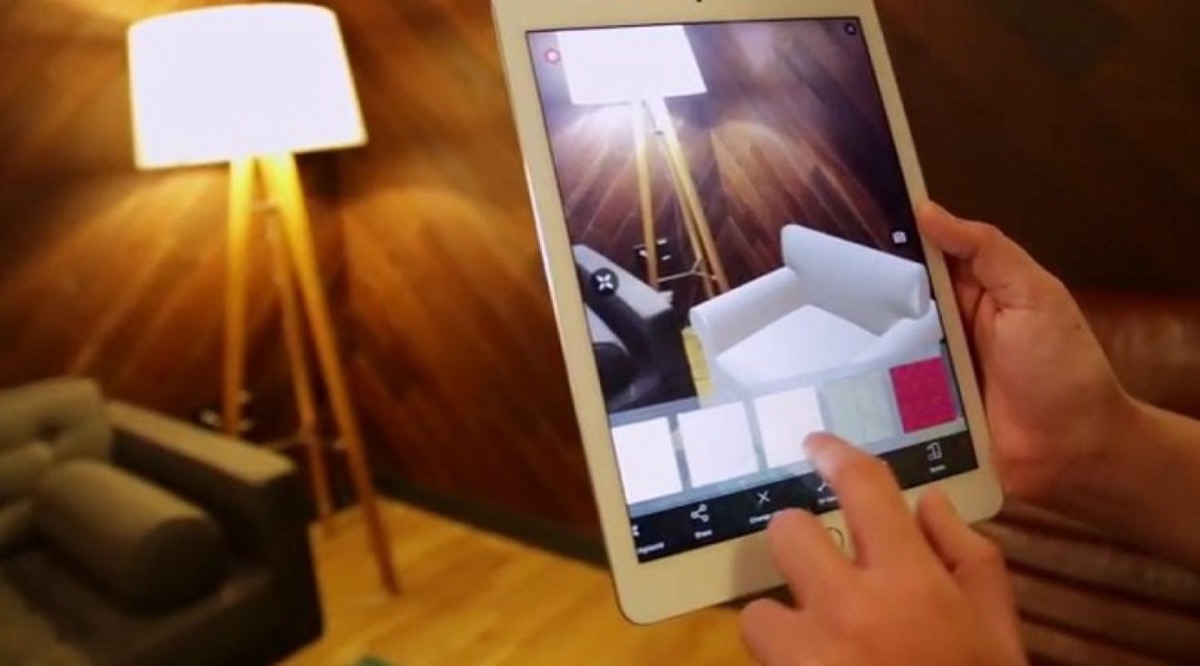
Looking up and trying to find a moving object the size of a football field that is 408 km away is hard. AR Sky Mode in Launchcast solves it: hold your phone up, and an arrow leads your eye exactly to where the ISS will appear, framing the satellite with a label as it crosses the field of view.
Three sensors working together
- GPS (or location services) for your latitude, longitude, and altitude.
- Compass for the direction your phone is pointing.
- Accelerometer + gyroscope for tilt and rotation, so the app knows exactly where the camera is aimed.
Mapping satellite positions to your camera view
- Compute the ISS's azimuth and elevation from your location using SGP4 + TLE.
- Read your phone's azimuth and elevation from the IMU.
- Compute the angular difference and project it onto the camera image plane.
- Render an arrow or label at the appropriate pixel coordinates.
- Compass accuracy
- Typically within 5°
- Tilt accuracy
- Sub-degree from gyroscope
- Position update rate
- 60 Hz on most modern phones
- Render method
- ARKit on iOS, ARCore on Android, custom math fallback
The compass calibration problem
Phone compasses can drift, especially near magnetic interference (cars, phones, metal). If you have ever seen the "wave your phone in a figure 8" prompt, that is the OS recalibrating the magnetometer. Apps like Launchcast detect drift and prompt for recalibration when needed.
Beyond the ISS
AR Sky Mode is not just for the ISS. The same machinery shows you Hubble, Tiangong, brighter Starlinks, planets, and the Moon. Point at the sky and the universe labels itself.
Frequently asked questions
Does AR Sky Mode work in daytime?
It works mechanically, but most satellites are not visible in daytime. The ISS is occasionally bright enough to spot during late afternoon or twilight passes.
Does it drain my battery?
AR mode uses camera + sensors + GPS, which is more battery-intensive than passive use. Launchcast optimizes for short bursts during a pass.
Can I record an AR pass?
On most phones, system screen recording captures an AR session. Use it for a fun share-able clip of your sighting.
Get every launch in your pocket.
Real-time alerts, live ISS tracking, AR sky mode, and synchronized T-0 haptic across every device worldwide.
Download on the App Store